At home on your Mac.
A workflow that feels familiar, with fewer steps and a clean interface.
 / tools
Your attachment is wrapped in a .p7m file?
ClipSeal takes you straight to the file you actually need.
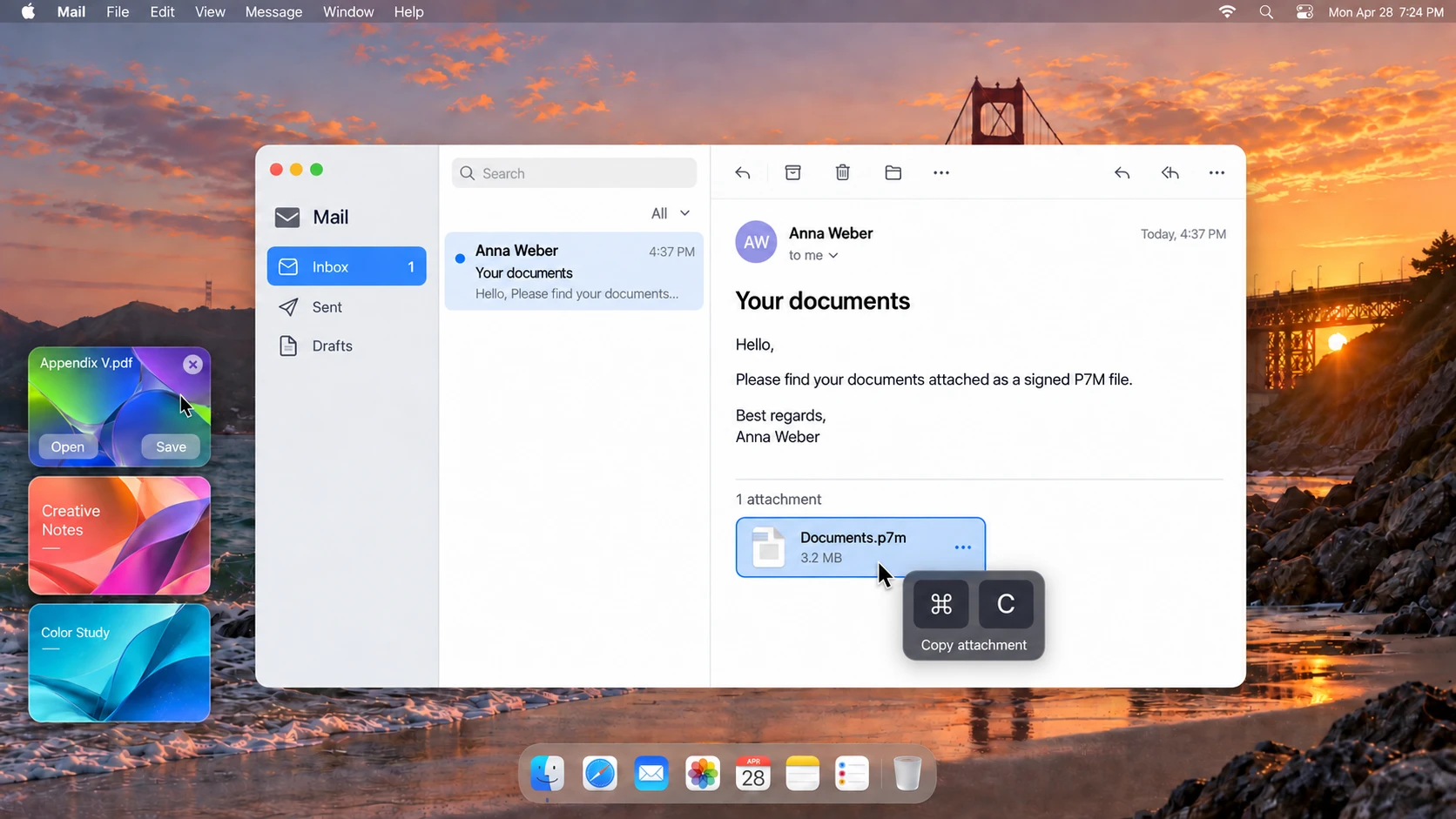
Concept preview · The final app may look different.
Copy the signed .p7m attachment straight from your email.
ClipSeal is being designed to reveal the files inside, ready to preview.
Open, save, or drag your file into whatever comes next.
A workflow that feels familiar, with fewer steps and a clean interface.
One clear purpose: make signed attachments accessible. Keep a small problem from becoming a big project.
Our development goal: process files locally on your Mac, without sending them to an upload service.
.p7m files are containers for signed or encrypted content. ClipSeal initially focuses on extracting files from signed attachments. Encrypted content may require additional keys.
ClipSeal is currently in development. Once the first version is ready, you’ll find the direct Mac download here. An App Store release is planned for later.
We’ll announce the minimum macOS version and supported Macs alongside the first download.
Extracting a file does not confirm that its signature is valid. The scope of signature verification in ClipSeal has not been finalized yet.