Your judgment stays central.
AI recommendations are advisory. Your GitHub permissions and environment rules still determine who can approve, and every approval requires your action.
 / tools
Software can be ready to deploy before the people responsible are ready to release it. DeployBell brings push notifications and AI change summaries to your Mac, giving product owners, founders, and operations teams the context to decide what goes live. Get the nudge, understand the change, and make the call.
Your team can build and test continuously. Deciding when a change should reach customers also needs product knowledge, business context, and someone accountable for the release. That person may be a product owner, a founder, or an operations lead.
Built for GitHub Actions workflows with environment approval gates. Your engineering team configures who can review each environment.
You know the customer commitments and the right moment to launch. You need a clear view of what is ready and what still needs a conversation.
DeployBell connects the approval waiting in GitHub with a notification on your Mac and an AI assessment of the changes. Open the review, understand the context, and decide your next step.
Get a notification on your Mac when a deployment is waiting for your approval. Move from the alert straight to the matching review, with the repository and environment in context.
Push requires GitHub App sign-in, push activation, and macOS notification permission. Token-connected accounts use background checks and local notifications.
With push activated for your GitHub App account, DeployBell can notify you about approval requests without making the GitHub Actions page part of your daily routine.
Click the notification to open the matching deployment card. See what is waiting and read its assessment before taking action.
Background GitHub checks continue alongside push. Pending reviews stay available in the app and menu bar, so you can return when you are ready.
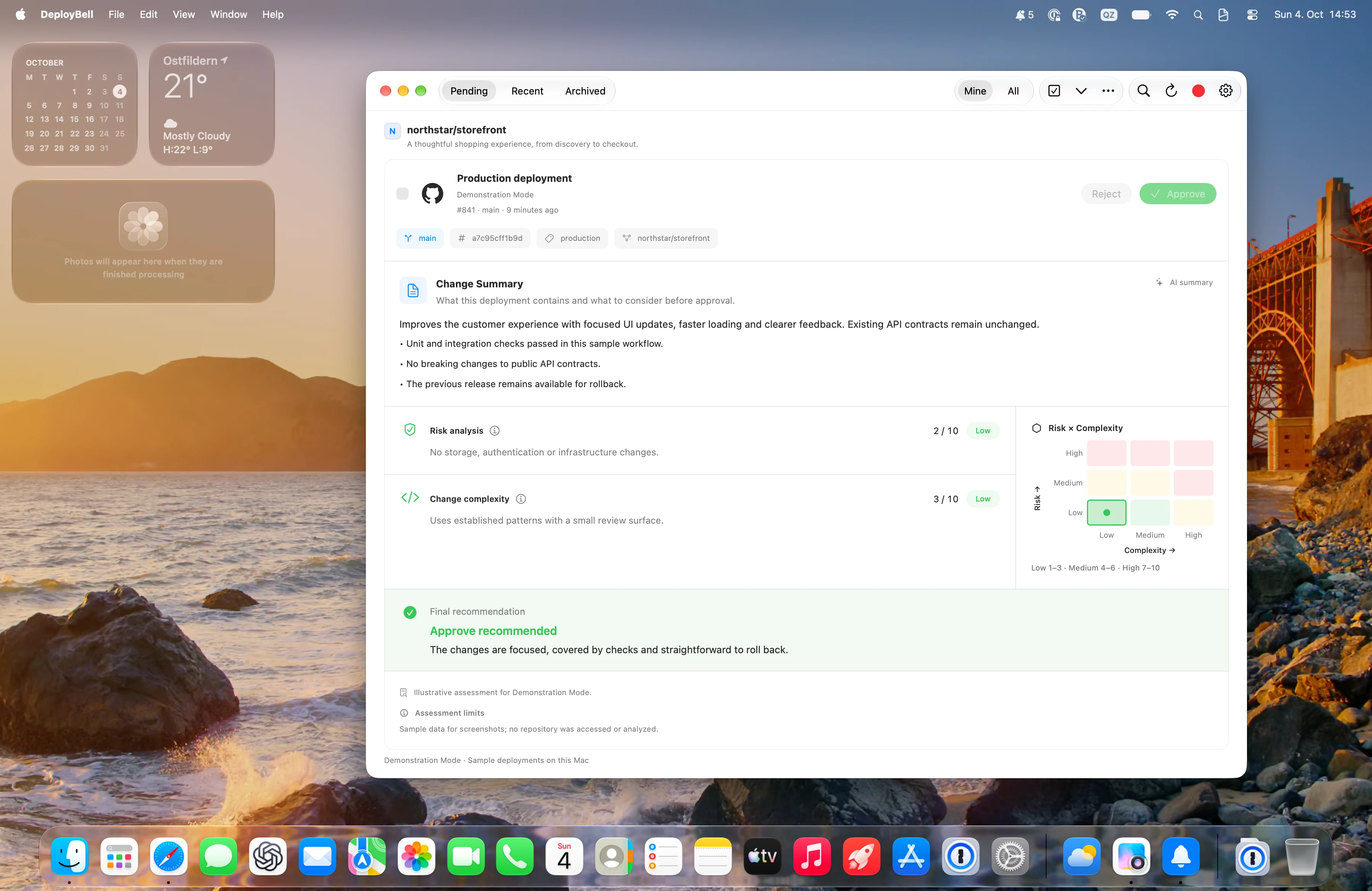
A list of commits is only the beginning. DeployBell uses your selected AI agent to turn the available code changes and workflow results into a structured assessment: what changed, where the risks are, and what deserves a closer look.
AI summaries use an installed, signed-in Codex or Claude Code CLI. Your team can help with setup. Assessments support your judgment; they do not verify business readiness.
Start with a concise summary of the actual changes. Get your bearings before diving into individual commits or asking your engineering team for more detail.
Read separate risk and complexity ratings with explanations. A small change can still carry risk; DeployBell gives you more context than a file count.
See the comparison basis and gaps in the evidence. Missing change details, unavailable deployment history, and failed workflow jobs are surfaced for review.
Read the recommendation and its reasons. Approve when you have the context you need, or bring specific questions back to the team. AI never submits the decision for you.
A push notification tells you a deployment needs your review. Open it to go straight to the matching approval.
Explore the AI summary, risk and complexity, and the reasons behind the recommendation. Ask your team about anything that needs more context.
Approve an eligible environment in DeployBell when you are ready. Open GitHub to reject a deployment or inspect the workflow in detail.
AI recommendations are advisory. Your GitHub permissions and environment rules still determine who can approve, and every approval requires your action.
Recent decisions made in DeployBell retain the actor, date, comment, and available assessment at the time of the decision.
Bring connected GitHub accounts together in a native Mac app. Review from the menu bar and archive entries locally without deciding on GitHub.
Yes. DeployBell is designed to help product owners, founders, operations leads, and other reviewers understand a pending release. Your engineering team configures the GitHub approval workflow and can help connect your account and AI agent. You still bring the business context and ask for technical review when needed.
Your pipeline builds and tests changes, then pauses at a configured GitHub environment approval gate. DeployBell helps the designated reviewer notice that request and understand the changes before approving. It works with your existing release process; it does not create the pipeline or decide when a release is right for your customers.
The assessment includes a change summary, risk and complexity ratings with explanations, a comparison basis, evidence limitations, and a recommendation to approve or review more closely. It uses the available GitHub change data and workflow results. Missing evidence and failed jobs require review; a recommendation never triggers approval automatically.
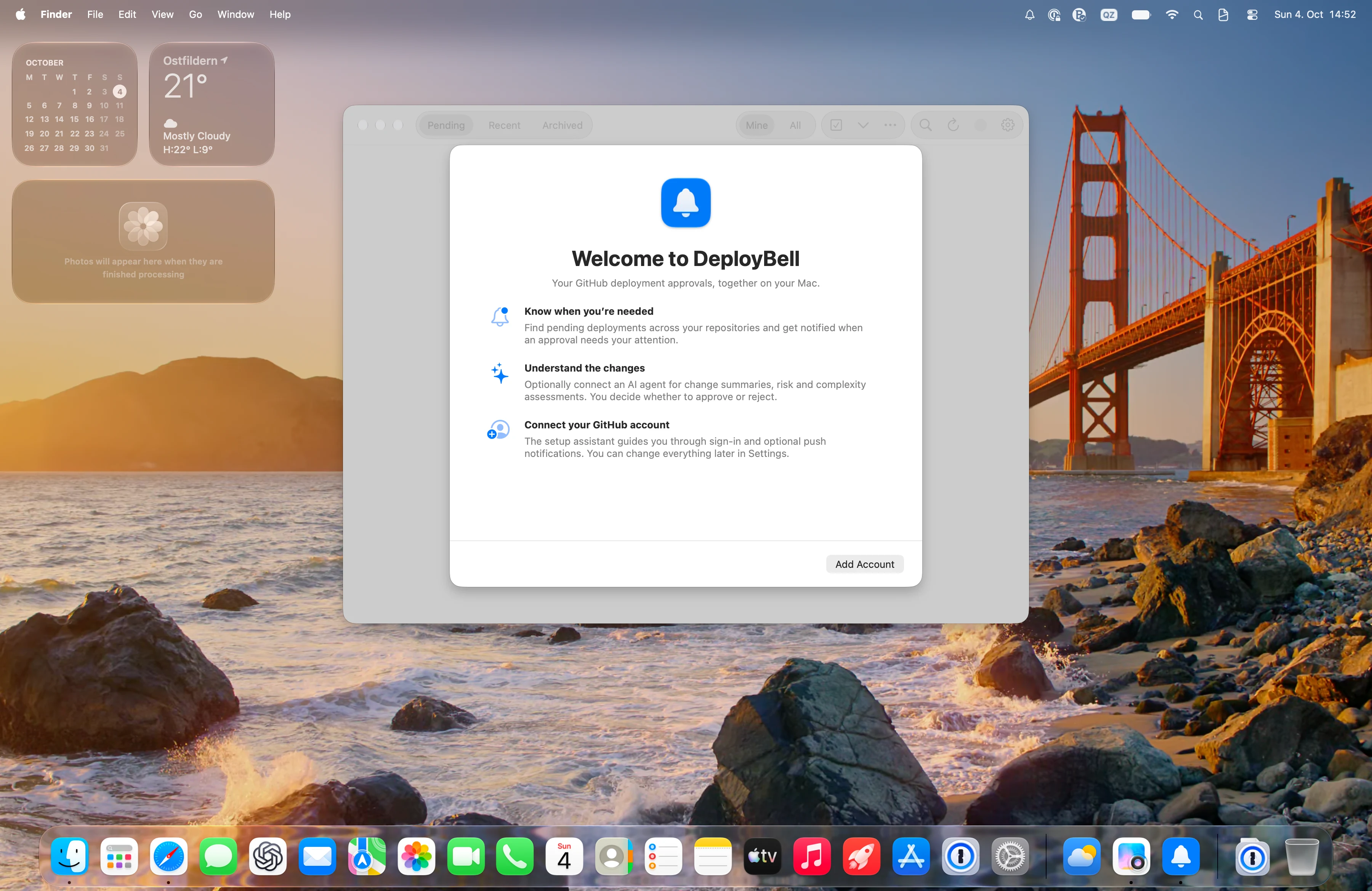
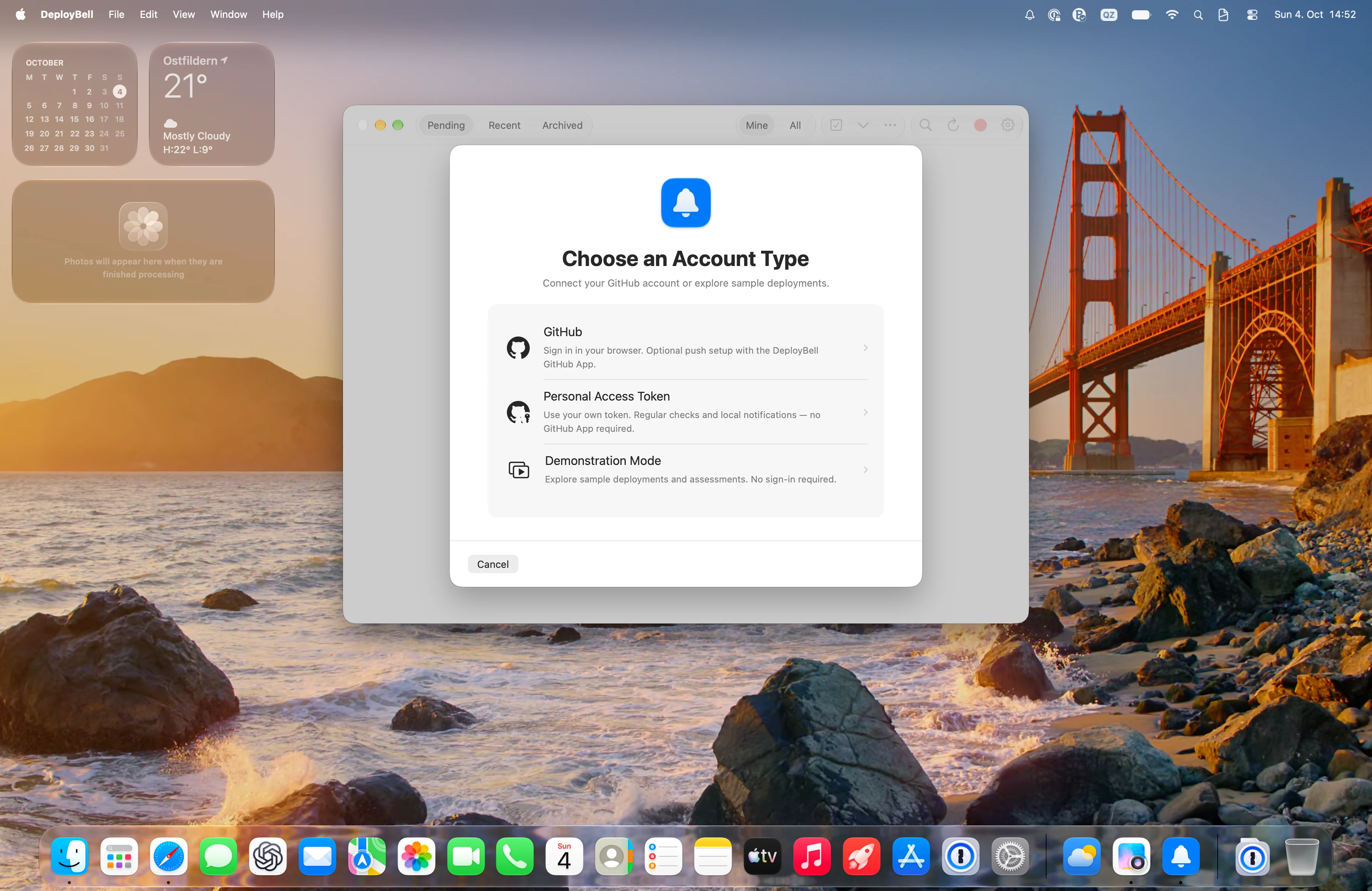
Sign in through the DeployBell GitHub App, activate push for the account, and allow notifications in macOS. Repository access and reviewer eligibility determine which approval requests can be routed to you. Personal access token accounts use background polling and local notifications instead of push.
You can approve eligible environments directly in DeployBell. The app checks the current deployment and your eligibility before submitting your decision. Rejections open on GitHub.
No. Monitoring and manual approvals work without AI. For optional assessments, install and sign in to a supported Codex or Claude Code CLI, then select it for the relevant account. The CLI may send change data to its external provider. AI recommendations never approve a deployment automatically.
Download the latest Mac release, open the DMG, and double-click DeployBell to start installation. DeployBell requires macOS 14 or later and a network connection to check GitHub.